Microsoft Intune Installation
Navigate to https://endpoint.microsoft.com/#blade/Microsoft_Intune_DeviceSettings/AppsMenu/allApps
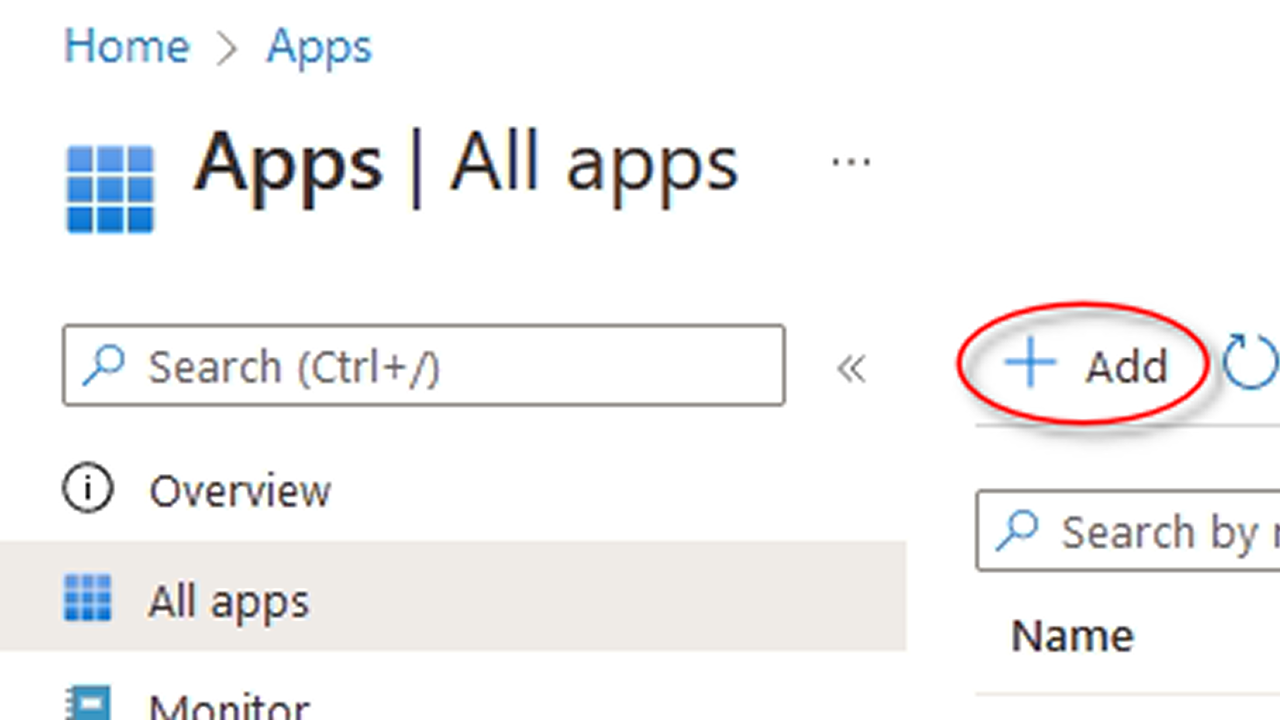
Click Add to create a new app.
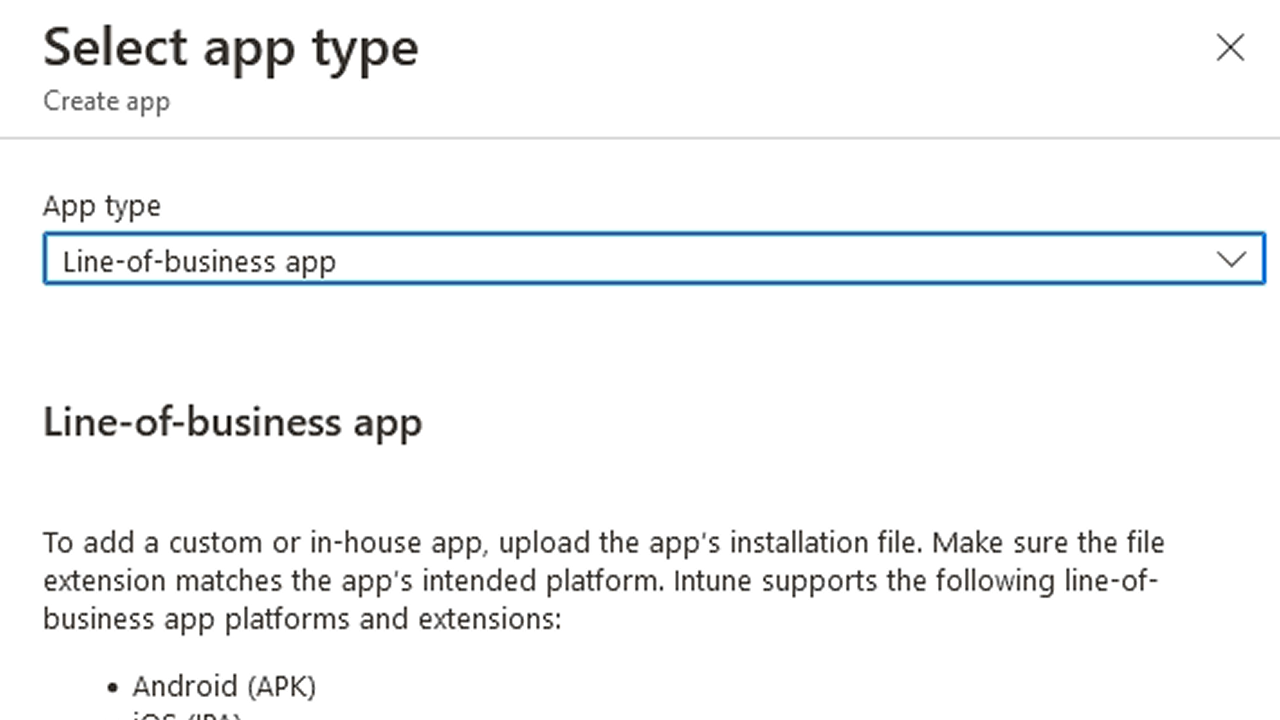
Select the app type as Line-of-business app.
Click on Select app package file which opens a panel on the right side. Click Select a file and browser to the
Cyberhaven.msifile. Click OK.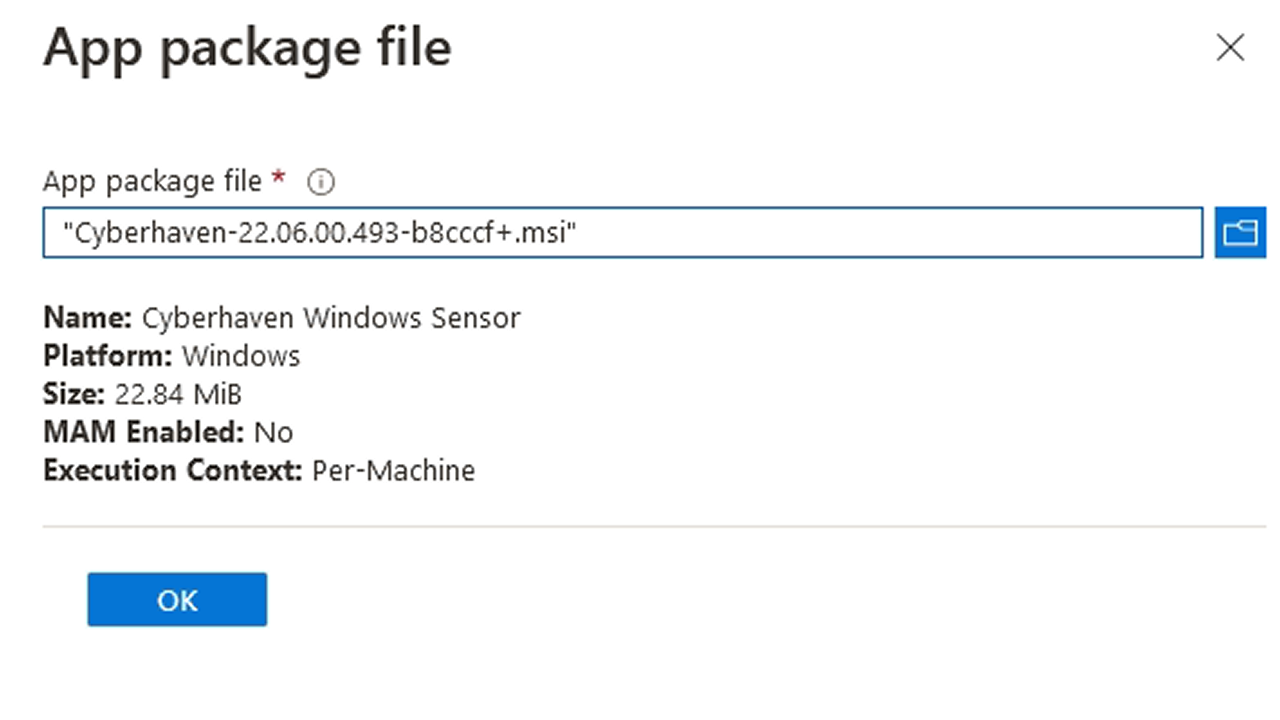
On the following page, paste the installation command line that you can find on your dashboard. Then remove msiexec from the beginning and
/i Cyberhaven-PUT\_INSTALLER\_VERSION\_HERE.msifrom the end. Intune will add that. Enter a publisher name before going to the next step.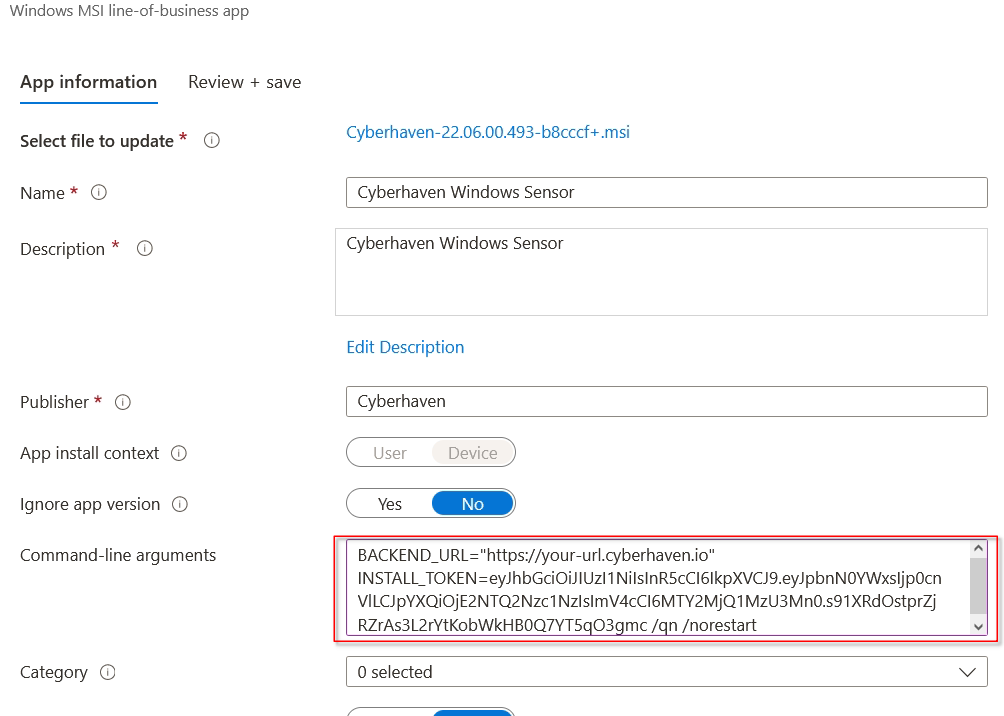
Click Next to skip the Scope tags page.
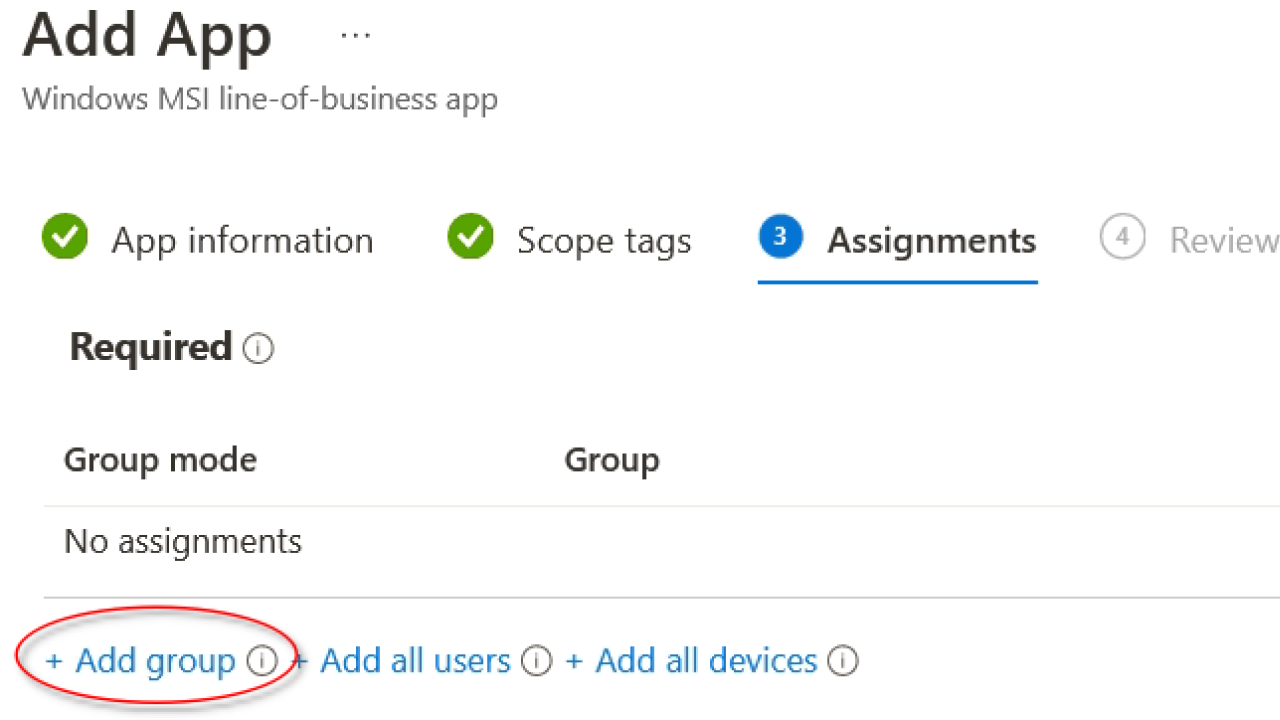
On the Assignments page, click on Add group under the Required section, then select the groups of users for whom Cyberhaven should be installed. Click Next.
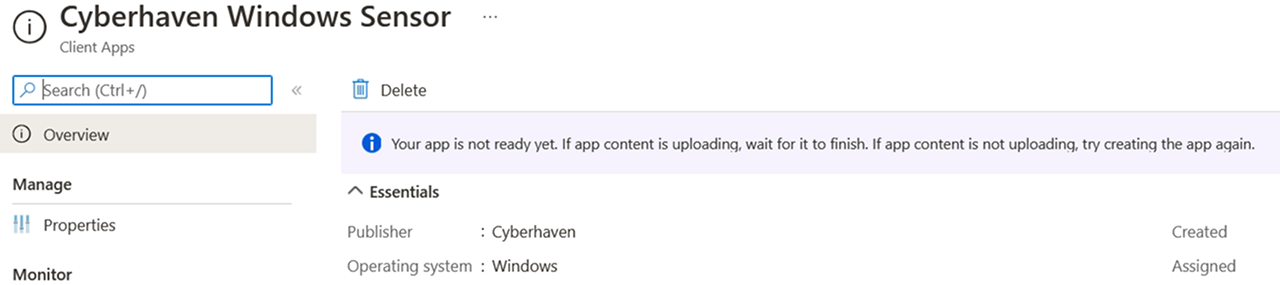
Finally, click Create and wait for the application to be uploaded to Intune.
NOTE After completing the sensor installation, securely store the .msi package, as it will be needed for any future uninstallation.